
Google Ads Campaign Setup Checklist for Small Businesses
A practical Google Ads setup checklist for small business owners: conversion tracking, negative keywords, match types, landing page testing, and budget.
By IPrix Media Team, web development and digital marketing company in Udaipur

Running Google Ads without a disciplined setup process is one of the fastest ways for a small business to burn its marketing budget. Every day, business owners create a campaign using Google's default "Smart" recommendations, enter their credit card details, and watch their daily budget evaporate on irrelevant search queries that never result in a single customer enquiry. When clicks fail to convert into phone calls or qualified leads, founders often conclude that paid search does not work for their industry.
In reality, Google Ads remains the most reliable customer acquisition channel for commercial services and high-intent products. The issue lies almost entirely in campaign structure, unmonitored keyword match types, missing negative keyword lists, broken conversion tracking, and sending expensive paid traffic to an unfocused homepage. This comprehensive Google Ads campaign setup checklist provides small business owners and marketing teams with a field-tested, pre-launch auditing framework to protect advertising capital and maximize return on ad spend.
1. Tracking and Measurement Foundation: Verify Before Spending
Never turn on a paid campaign until you have tested your conversion tracking end-to-end. If Google's bidding algorithm cannot accurately record which specific clicks lead to completed form submissions or phone calls, its automated bidding strategies will bid blindly, wasting your capital on low-quality traffic.
Implement these measurement checks before enabling any campaign:
- Deploy Google Tag Manager (GTM): Place the primary GTM container script across your entire website. Using Tag Manager allows you to manage conversion tags, call tracking, and remarketing snippets without modifying website code for every update.
- Configure Primary Conversion Actions: In Google Ads under Goals → Conversions, define your primary conversion actions. For service businesses, this includes completed contact form submissions, click-to-call mobile links, and click-to-WhatsApp chats. Mark secondary actions (such as PDF brochure downloads or page views) as "Secondary" so the smart bidding algorithm does not optimize toward low-intent browsing.
- Implement a Dedicated Thank-You Page: Ensure all lead forms redirect to a clean
/thank-you/URL. Firing conversion tags on a dedicated URL trigger is far more reliable than tracking generic button clicks, which can trigger falsely if a user clicks an incomplete form. - Test in Debug Mode: Open GTM Preview Mode and submit a live test inquiry. Verify that the Google Ads Conversion Tracking tag fires successfully, status shows "Recorded", and the conversion appears inside Google Ads within three hours.
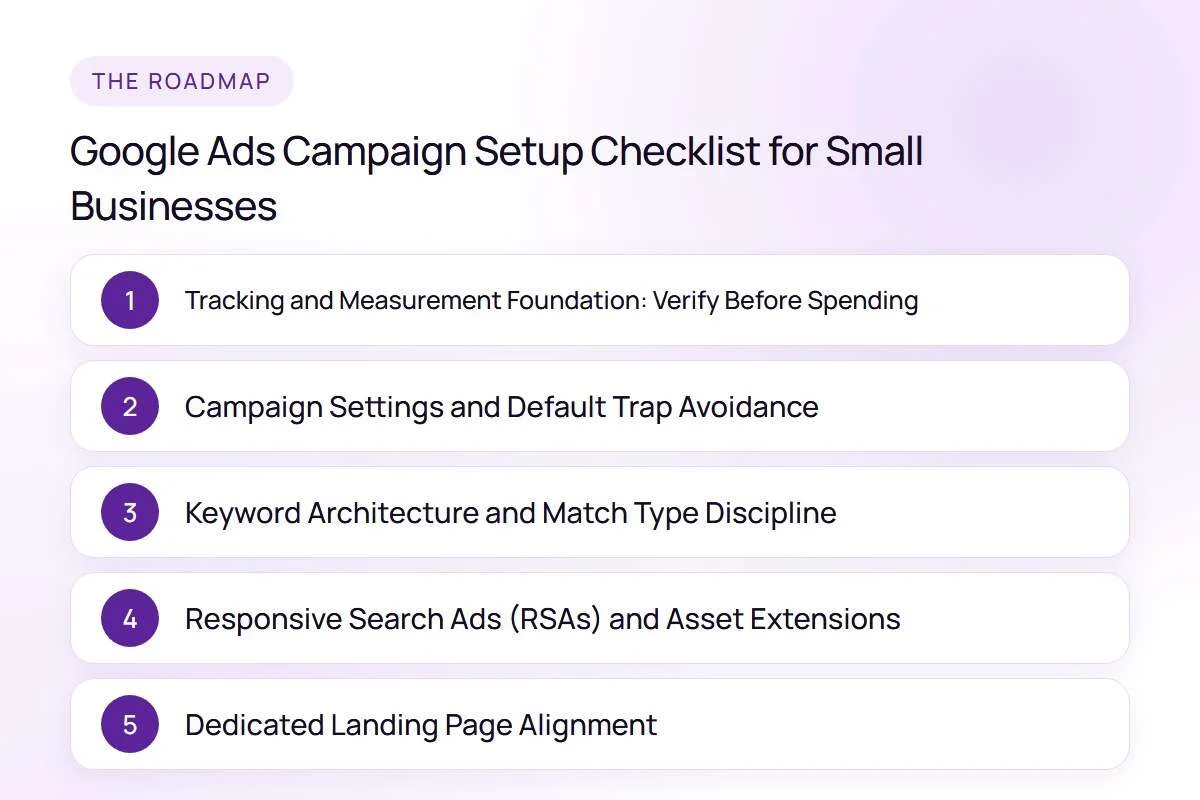
2. Campaign Settings and Default Trap Avoidance
Google's default campaign wizard is engineered to maximize Google's ad revenue, not your business profitability. During campaign creation, several pre-checked options will quietly drain your budget on low-intent placements if left untouched.
Audit these campaign-level settings carefully:
- Disable the Display Network: When creating a Search campaign, Google pre-checks "Include Google Display Network". Always uncheck this option. Mixing Search and Display in a single campaign pollutes your keyword data and wastes budget on accidental mobile app clicks. Keep Search and Display strictly separate.
- Location Targeting Options: Set your target city, state, or country. Crucially, expand Location Options and select "Presence: People in or regularly in your targeted locations". The default option ("Presence or interest") serves your ads to users in foreign countries who merely search for terms containing your city name.
- Language Selection: Target the specific languages spoken by your commercial buyers (typically English and Hindi in Indian urban markets).
- Ad Schedule Adjustments: Unless you operate an automated e-commerce store, configure your ad schedule to match your sales team's operational hours. If your team cannot answer inbound phone calls or follow up on WhatsApp after 8:00 PM, pausing ads during late night hours prevents wasted leads.
For businesses seeking expert campaign management, explore our dedicated ROI-focused Google and Meta ads programs.
3. Keyword Architecture and Match Type Discipline
The most common reason for runaway ad spend is using Broad Match keywords without strict negative keyword governance. If you add the broad match keyword website design, Google will show your ads for queries like "free website design software", "website design course syllabus", and "famous website design examples"—none of which come from buyers looking to hire an agency.
Structure your keyword targeting using this disciplined hierarchy:
| Match Type | Syntax Example | When to Use & Risk Profile |
|---|---|---|
| Exact Match | [custom website design company] |
Highest commercial intent; shows only for queries with identical meaning. Essential for core service offerings. |
| Phrase Match | "commercial website development" |
Balances volume and intent; triggers for queries containing the phrase's core meaning. |
| Broad Match | website development agency |
High risk; use only after establishing 30+ monthly conversions and pairing with comprehensive negative lists. |
In addition, build a Master Negative Keyword List and apply it to every campaign before launch. Include terms that signal zero commercial intent:
- Informational & Free: "free", "cheap", "diy", "template", "sample", "tutorial", "how to"
- Employment & Academic: "jobs", "salary", "vacancy", "internship", "course", "syllabus", "pdf", "books"
- Competitors (unless intentional): Specific brand names or open-source software names you do not support.
4. Responsive Search Ads (RSAs) and Asset Extensions
Your ad copy must qualify the user before they click. Writing vague headlines like "Best Services in Town" attracts curiosity clicks from people who cannot afford your rates. Use your ad copy to declare your target audience, core pricing tier, and primary value proposition.
Follow these proven copy rules for Responsive Search Ads:
- Include Target Keywords in Headlines: Ensure at least 3 of your 15 headlines include your primary keyword exact phrasing to maximize Google Ad Relevance scores.
- Call Out Real Differentiators: Use specific proof points rather than empty buzzwords. Write "Fixed-Price Scopes", "350+ Sites Delivered", or "Direct Engineer Support".
- Deploy All Relevant Ad Assets (Extensions): Assets expand your ad's visual footprint on mobile screens and increase click-through rates by up to fifteen percent:
- Sitelink Assets: Link directly to your portfolio, pricing guide, and case studies.
- Callout Assets: Highlight short trust signals ("10+ Years Experience", "Zero Outsourcing", "NDA Protected").
- Structured Snippet Assets: List your service categories (e.g., "Services: WordPress, Shopify, Custom Web Apps").
- Call Assets: Add a verified business telephone number with click-to-call enabled during office hours.
5. Dedicated Landing Page Alignment
Sending paid Google Ads traffic to your general homepage will ruin your conversion rate. A homepage contains dozens of competing links, navigation menus, and company announcements that distract high-intent searchers. When a user clicks an ad for a specific service, they expect to land on a page dedicated exclusively to that solution.
Verify your destination URL against these standards:
- Headline Consistency: The main H1 on the landing page must reflect the exact promise made in the ad copy.
- Dedicated Single Offer: Remove global header menus if building a dedicated campaign landing page. Keep the visitor focused entirely on evaluating your offer and submitting the inquiry form.
- Mobile Rendering Speed: A landing page that takes more than 3 seconds to load on mobile will suffer a bounce rate exceeding fifty percent. Explore our specialised landing page design frameworks to eliminate script bloat and maximize mobile conversion rates.

FAQs
What is a realistic starting daily budget for small business Google Ads?
For local service businesses in India, a starting budget of ₹500 to ₹1,500 per day allows you to test 2 to 3 targeted ad groups and collect meaningful click data. For national campaigns or competitive enterprise B2B niches, plan for ₹2,500 to ₹5,000 per day to achieve statistical significance within the first month.
Should I use Google's automated "Smart Bidding" immediately on a new campaign?
No. Smart Bidding algorithms (such as Maximise Conversions or Target CPA) require historical conversion data to function effectively. Start a fresh campaign on Manual CPC with Enhanced CPC or Maximise Clicks with a strict maximum CPC cap until the account records at least 25 to 30 verified conversions. Once sufficient data exists, transition to Target CPA bidding.
How often should I review the Search Terms report?
During the first two weeks of a new campaign, inspect the Search Terms report daily. Add negative keywords immediately to eliminate wasted search queries before they consume significant budget. Once the campaign stabilises, weekly reviews are sufficient.
What is a healthy Quality Score in Google Ads?
Aim for Quality Scores between 7 and 10 on your core commercial keywords. Higher Quality Scores reduce your Cost Per Click (CPC) and give your ads preferred placement over competitors bidding identical amounts.
Next Steps for Your Paid Search Success
Running profitable Google Ads campaigns requires continuous operational discipline, data analysis, and technical alignment between keywords, ad copy, and landing pages. By eliminating default waste traps, hardening conversion tracking, and enforcing strict negative keyword governance, small businesses can turn Google Ads into a predictable, revenue-generating sales engine.
If your business needs experienced performance marketers to audit an existing Google Ads account or build high-ROI campaigns from scratch, explore our comprehensive ROI-focused Google and Meta ads solutions or contact IPrix Media today.