WordPress Website Setup Checklist for Business Owners
A complete WordPress setup checklist for business owners: security hardening, hosting, SEO settings, SMTP email delivery, and launch verification.
By IPrix Media Team, digital marketing agency in Udaipur
Setting up a new WordPress website for your business involves much more than installing a pre-made theme and filling in company text. While WordPress powers over forty percent of the web, thousands of corporate WordPress installations launch every week with severe security loopholes, broken email notifications, missing search indexing configurations, and bloated database tables. When these fundamental configuration steps are skipped during initial setup, business owners face frequent website crashes, spam form submissions, undelivered customer enquiries, and disastrous Google ranking drops.
This practical WordPress setup checklist is designed specifically for non-technical founders, marketing heads, and business owners. It provides a structured, phase-by-phase framework to verify your website hosting, core software settings, security hardening, transactional email delivery, and search engine readiness before public launch. Following this checklist ensures your WordPress asset starts on a secure, stable, and high-performance foundation.
1. Foundation: Hosting Environment, SSL, and Domain Configuration
Your hosting platform is the engine that dictates your website speed, server uptime, and overall security posture. Cheap shared hosting plans frequently crowd hundreds of websites onto a single server IP, meaning another compromised site on that server can degrade your performance or get your server IP blacklisted by email providers.
Before configuring WordPress software, audit your infrastructure against these critical standards:
- Dedicated PHP Memory Allocation: Ensure your server provides a minimum of 256MB PHP memory limit (512MB is recommended for dynamic corporate sites). Insufficient memory leads to the infamous "White Screen of Death" during traffic spikes or plugin updates.
- Modern PHP Version Compatibility: Verify your hosting server runs PHP 8.2 or newer. Outdated PHP versions not only run forty percent slower but also lack essential security patches.
- Strict HTTPS and SSL Handshake: Install an automated, renewing SSL certificate (such as Let's Encrypt). Configure your
.htaccessor server reverse proxy (Nginx) to force an immediate 301 redirect from HTTP to HTTPS, ensuring no mixed-content warnings appear in browser address bars. - Canonical Domain Consistency: Standardise whether your website uses
wwwor non-www(for example,https://iprixmedia.com). Inconsistent domain resolving creates duplicate content issues that confuse search crawlers.
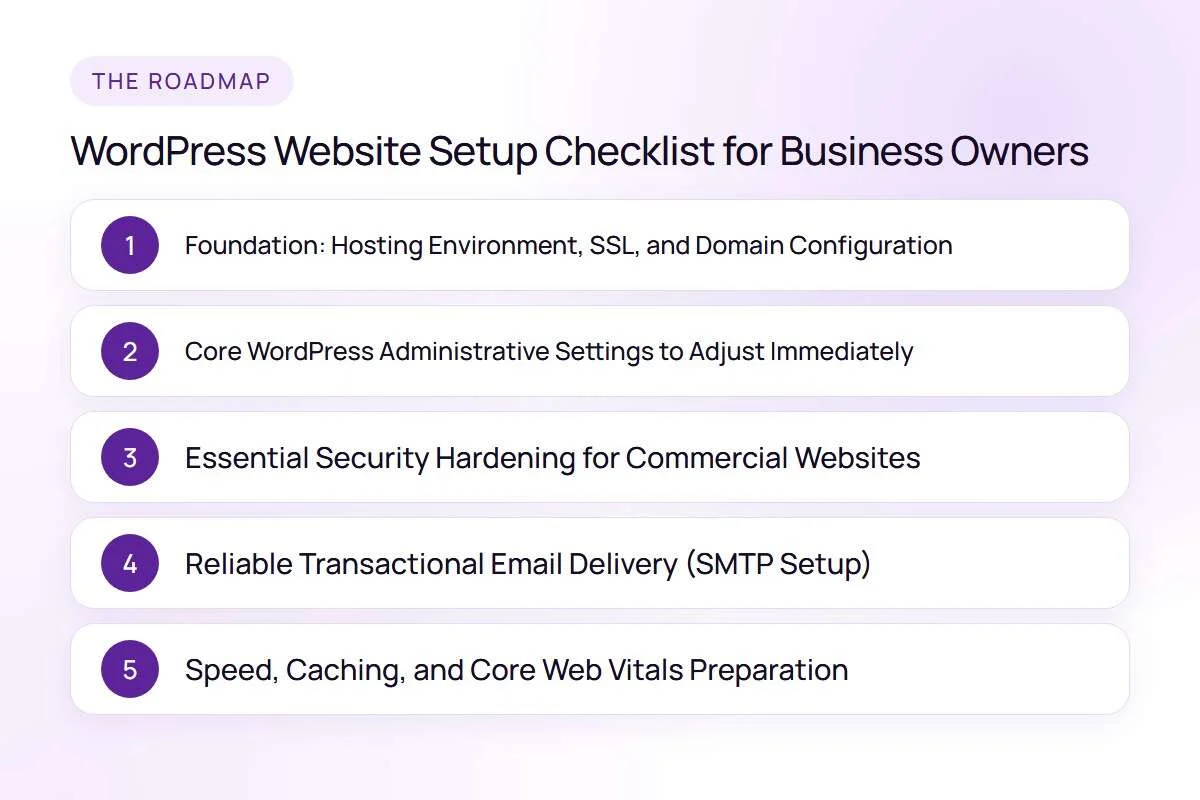
2. Core WordPress Administrative Settings to Adjust Immediately
A standard, default WordPress installation includes several settings that are unsuitable for commercial business operations. The moment your installation completes, log into the administrative dashboard and execute these foundational changes:
- General Settings Verification: Set your Site Title and Tagline accurately. Update the WordPress Address (URL) and Site Address (URL) to reflect your clean HTTPS domain. Crucially, set your timezone to your local business market (for example,
Asia/Kolkata/ UTC+5:30) so scheduled posts and form timestamps remain accurate. - Permalink Structure Customisation: Under Settings → Permalinks, change the default structure from plain query strings (
?p=123) to Post name (/%postname%/). Clean, descriptive URLs are essential for user readability and search engine optimization. - Search Engine Visibility Toggle: Under Settings → Reading, double-check that the checkbox labelled "Discourage search engines from indexing this site" is unchecked prior to public launch. Developers often check this box during staging and forget to disable it when going live, accidentally blocking Google completely.
- Discussion and Comment Hardening: Unless your business operates an active editorial publication with dedicated moderation staff, disable comments globally under Settings → Discussion. Unmoderated comment sections attract thousands of automated bot links that degrade your domain reputation.
3. Essential Security Hardening for Commercial Websites
WordPress sites are constant targets for automated brute-force attacks and credential stuffing bots. Relying on default usernames or leaving file permissions open leaves your business vulnerable to complete administrative takeover.
Implement these essential security checks before admitting live traffic:
| Security Component | Default Vulnerability | Hardening Action | Business Protection |
|---|---|---|---|
| Administrative Username | Using "admin" or your domain name | Create a custom username with strong 16+ character password; delete "admin" | Eliminates 80% of automated brute-force login attempts. |
| Login Attempt Limiting | Unlimited password guessing allowed | Deploy rate-limiting rules (block IP after 4 failed attempts) | Protects server CPU from brute-force exhaustion attacks. |
| Login URL Masking | Standard /wp-admin/ or /wp-login.php |
Change login entry slug or enforce two-factor authentication (2FA) | Blocks automated credential bots from reaching login fields. |
| File Editing Security | Dashboard allows direct PHP editing | Add define('DISALLOW_FILE_EDIT', true); to wp-config.php |
Prevents injected malicious code if an admin account is compromised. |
| XML-RPC Protocol | Enabled by default for legacy remote tools | Disable XML-RPC via firewall or server configuration | Closes a primary vector used for DDoS amplification attacks. |
For businesses requiring enterprise-grade stability, our team provides managed WordPress website development designed with zero-trust security architecture from day one.
4. Reliable Transactional Email Delivery (SMTP Setup)
A major flaw in standard WordPress setups is relying on the server's default wp_mail() PHP function to send customer notifications. PHP mail lacks proper sender authentication, causing your booking confirmations, enquiry alerts, and password resets to land directly in recipient spam folders or disappear entirely.
To guarantee one hundred percent deliverability of customer enquiries:
- Never send customer mail through standard PHP: Install a dedicated SMTP plugin (such as FluentSMTP, WP Mail SMTP, or Post SMTP).
- Connect a Verified Transactional Provider: Route outgoing emails through a reliable API provider like Amazon SES, SendGrid, Brevo, or Google Workspace SMTP.
- Configure DNS Authentication Records: In your domain DNS manager, publish accurate SPF (Sender Policy Framework), DKIM (DomainKeys Identified Mail), and DMARC (Domain-based Message Authentication, Reporting, and Conformance) records.
- Conduct End-to-End Submission Tests: Submit a live test through every contact form on your website. Verify that the notification reaches your internal team inbox within sixty seconds, and confirm that an automated confirmation email arrives safely in the prospect's primary inbox.
5. Speed, Caching, and Core Web Vitals Preparation
A slow WordPress website drives prospective customers away before they ever read your value proposition. Google's search algorithms explicitly factor real-world page speed (Core Web Vitals) into mobile rankings.
Before publishing your website, implement these performance optimizations:
- Server-Level Caching: Enable server-side page caching (such as LiteSpeed Cache, Nginx FastCGI, or Redis Object Cache) to serve static HTML pages to visitors without executing heavy PHP database queries on every pageview.
- Image Compression and Next-Gen Formats: Convert large JPEG and PNG uploads to lightweight WebP files. Ensure all image tags include explicit width and height attributes to prevent Cumulative Layout Shift (CLS).
- Asset Minification and Script Deferral: Minify CSS and JavaScript files, and defer non-critical scripts so the browser can render text and above-the-fold content immediately. Explore our dedicated website speed optimization framework to diagnose script bottlenecks.
- Clean Database Hygiene: Remove unused theme files, deactivate unused plugins, and disable post revisions bloat by limiting revisions to a maximum of 3 per post in
wp-config.php.
FAQs
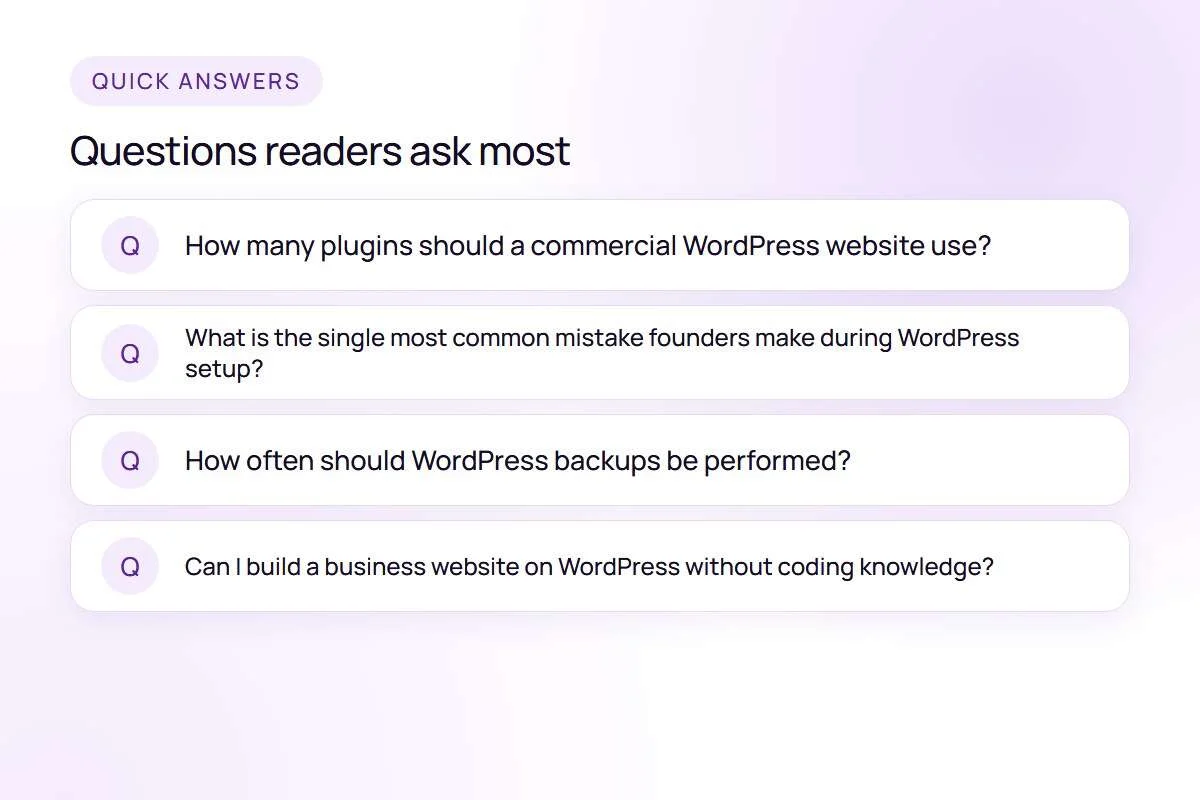
How many plugins should a commercial WordPress website use?
There is no arbitrary number, but as a rule of thumb, high-performing corporate websites typically operate smoothly with 15 to 25 carefully chosen, well-coded plugins. What degrades performance is not plugin count, but poorly coded plugins that trigger redundant database queries or inject heavy scripts across every page.
What is the single most common mistake founders make during WordPress setup?
The most frequent and costly mistake is forgetting to uncheck the "Discourage search engines from indexing this site" setting under Reading Settings before launch. This single oversight keeps the entire website invisible on Google Search for weeks or months.
How often should WordPress backups be performed?
For a standard service or corporate business website, automated daily database backups combined with weekly full file backups are essential. Store these backups on an independent cloud storage destination (such as AWS S3 or Google Drive), never on the same server hosting your website.
Can I build a business website on WordPress without coding knowledge?
While page builders allow non-developers to assemble visual pages, properly hardening security, configuring transactional SMTP records, managing database queries, and passing Core Web Vitals requires experienced technical oversight to avoid costly vulnerabilities.
Next Steps for Your Business Website
Executing a disciplined WordPress setup checklist ensures your business website operates reliably, securely, and efficiently from its first day online. By addressing security hardening, database clean-up, and transactional email infrastructure before public marketing begins, you protect your brand reputation and ensure every prospective customer enquiry arrives safely.
If your team is preparing to launch a new corporate website or needs to audit an existing setup for speed and security vulnerabilities, explore our comprehensive WordPress website development services or speak with our engineers at IPrix Media today.