
Google Business Profile Optimization: A Practical Guide
Set up and optimise your Google Business Profile to rank in the map pack: categories, photos, reviews, posts and the mistakes to avoid.
By IPrix Media Team, digital marketing agency in Udaipur
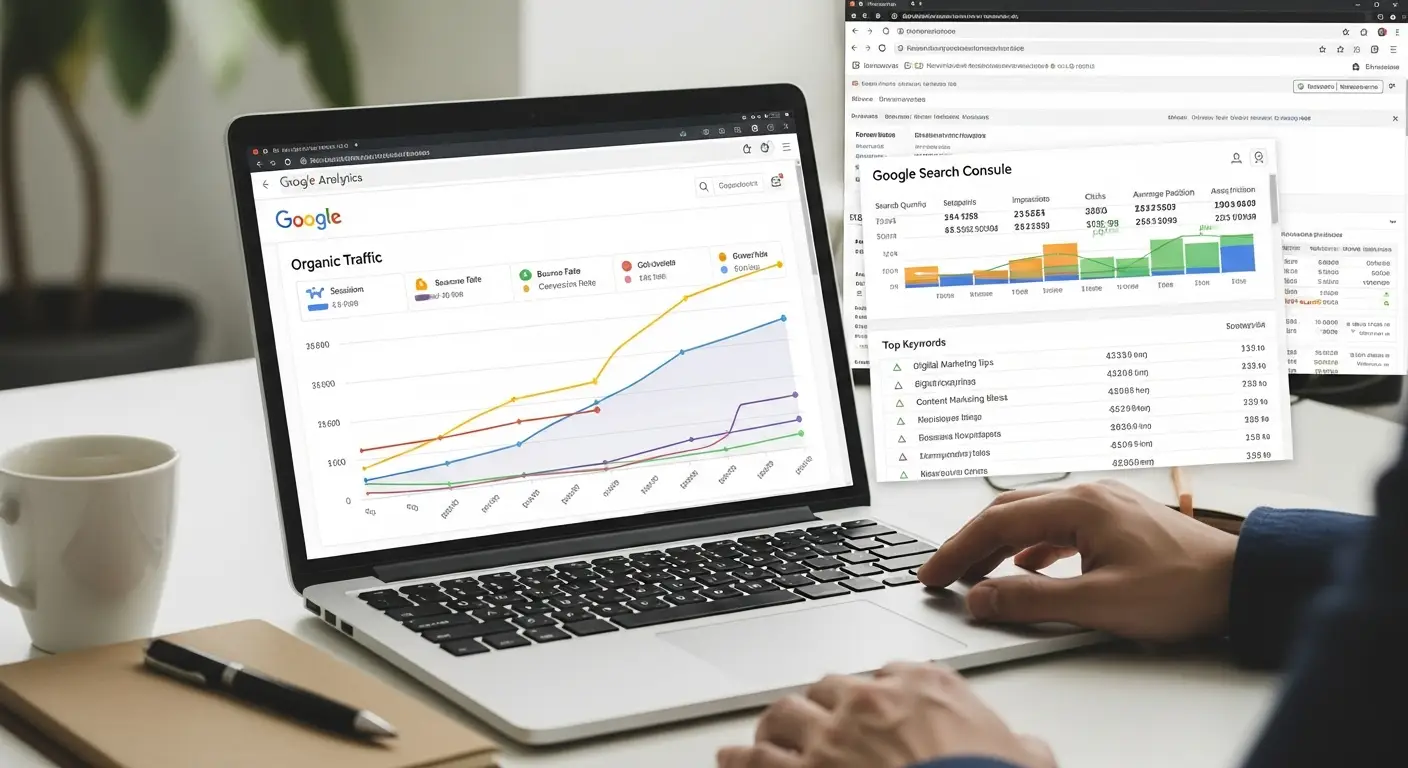
A complete, active Google Business Profile is the fastest way for a local business to appear in the map pack and get calls. Most profiles fail because they are half-filled and never updated.
Set it up properly
- Name, address and phone: exactly as on your website, with no keyword stuffing.
- Primary category: the single most accurate one, plus relevant secondary categories.
- Service area and hours: include holiday hours.
- Description: clear, factual, around 750 characters.
- Link to a fast, mobile-friendly page that matches the profile.
Keep it active
- Add real photos of the team, premises and work every month.
- Post offers and updates weekly or fortnightly.
- Add services and products with descriptions.
- Answer questions and reply to every review.
Reviews drive rankings
Ask happy customers for a review by sharing your direct review link by WhatsApp or SMS. Reply politely to negative reviews. Never buy reviews.
Mistakes to avoid
- Different phone numbers across directories.
- Using a virtual office address.
- Ignoring the Q&A section.
Pair your profile with a location page and the steps in our local SEO guide. Our SEO team in Udaipur can manage it for you.
FAQs
Is Google Business Profile free?
Yes. Creating and managing a profile costs nothing.
How long until I appear in the map pack?
Often within a few weeks for low-competition searches, longer in competitive niches.
Do I need a website?
You can start without one, but a fast website with a matching location page improves rankings and conversions.