
Website Redesign Checklist: Keep Your SEO Rankings
A redesign can wipe out your rankings if URLs, redirects and content change carelessly. Use this checklist to redesign safely.
By IPrix Media Team, digital marketing agency in Udaipur
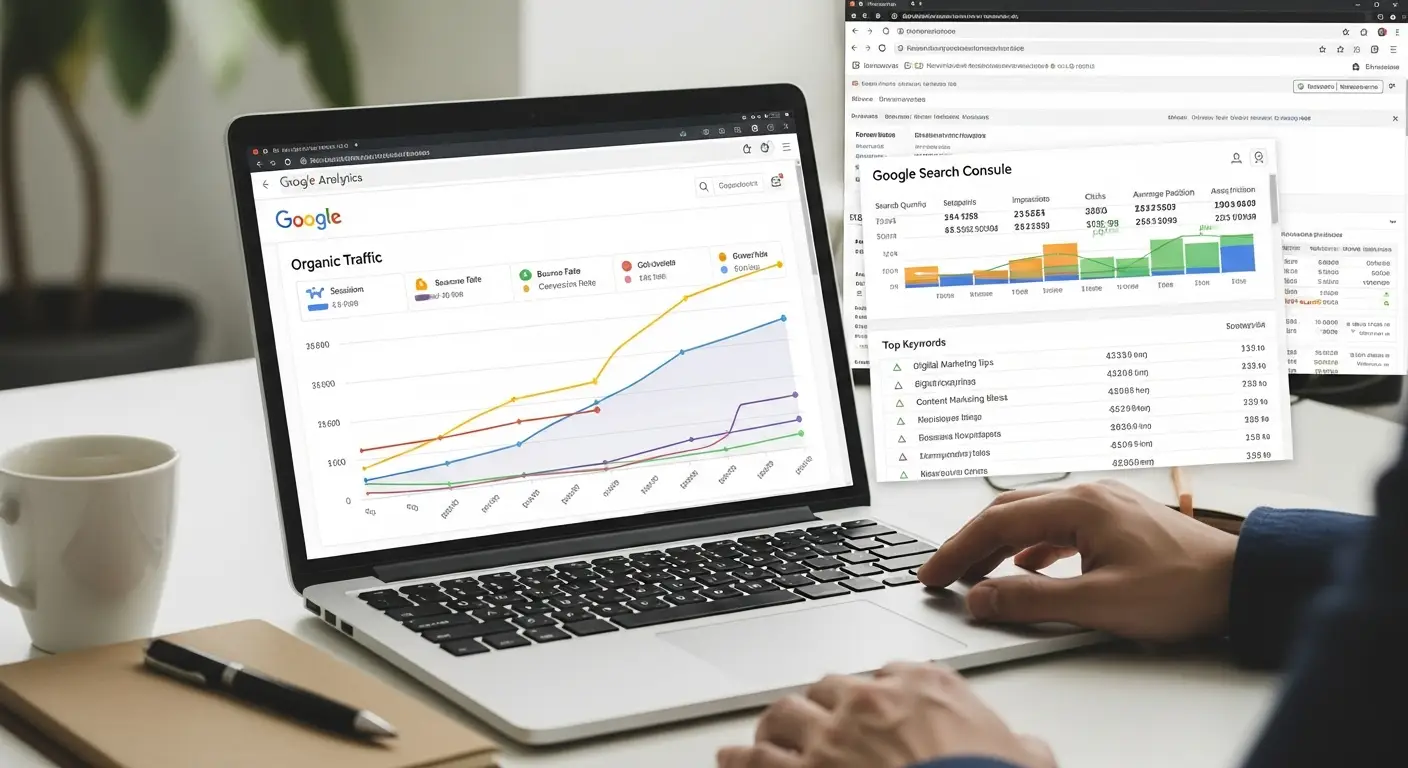
A redesign should improve conversions without losing the rankings you already have. Most traffic drops after a relaunch come from changed URLs, missing redirects and removed content.
Before the redesign
- Export every URL with its traffic and rankings from Search Console and your crawler.
- Mark pages that bring traffic or leads. These are protected.
- Benchmark speed, Core Web Vitals and conversion rate.
- Back up the site and database.
During the build
- Keep URLs the same wherever possible.
- Map a 301 redirect for every URL that must change.
- Keep titles, headings and body content on pages that rank.
- Carry over schema, canonical tags and image alt text.
- Block the staging site from search engines, then open it at launch.
At launch
- Test redirects, forms, tracking and mobile pages.
- Submit the sitemap in Search Console.
- Check robots.txt does not block the live site.
- Fix crawl errors in the first week.
After launch
Watch rankings and indexing daily for two weeks. Small fluctuations are normal; sharp drops point to missed redirects. Our website redesign service includes this process, backed by technical SEO checks.
FAQs
Will a redesign hurt my SEO?
Not if URLs, content and redirects are handled carefully. Poor migrations cause most losses.
How long until rankings recover?
With a clean migration, rankings hold or improve within weeks. Errors can take months to fix.
Should I change my domain during a redesign?
Avoid it unless necessary. Doing both at once makes problems harder to diagnose.