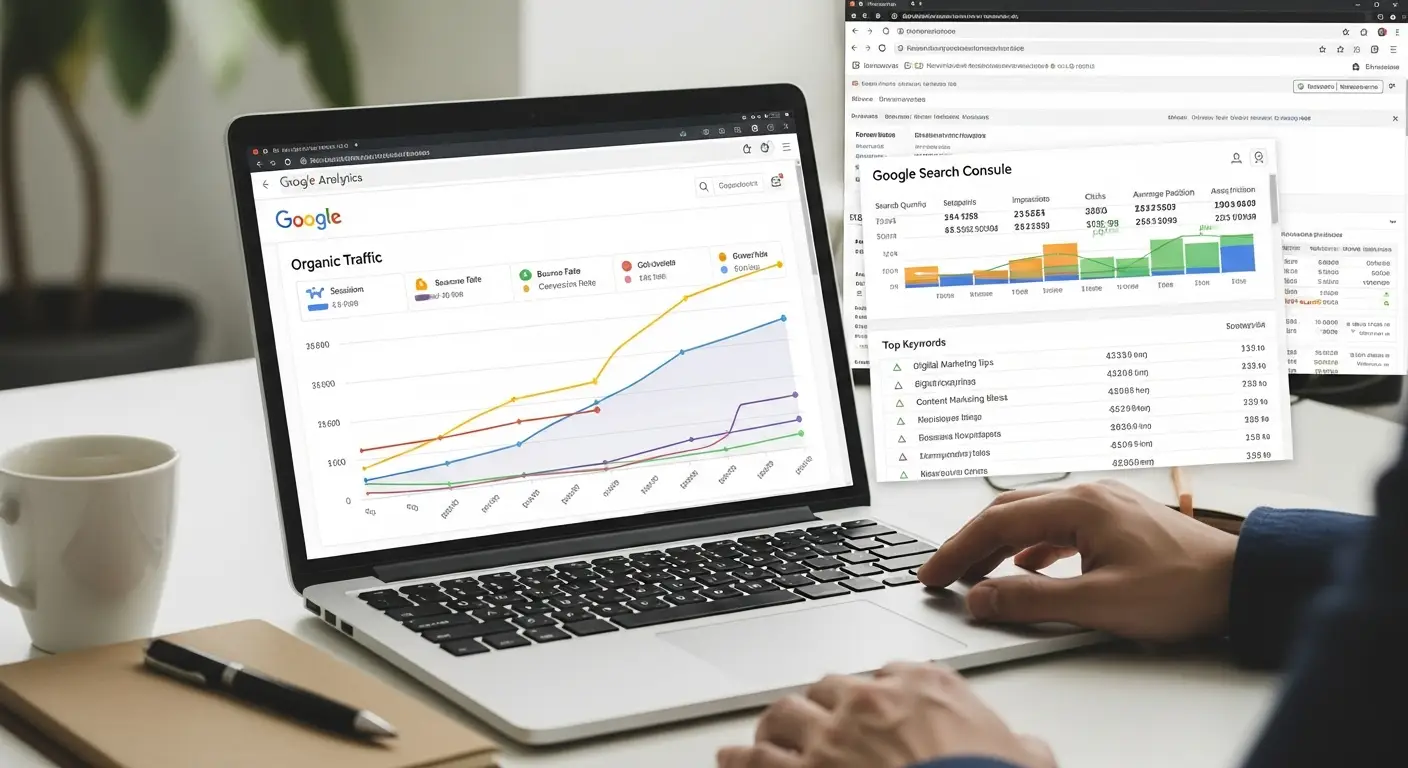
Technical SEO Checklist: 15 Things to Fix Before You Build Links
A practical technical SEO checklist covering crawling, indexing, speed, mobile, structured data and internal links, so your content can actually rank.
By IPrix Media Team, digital marketing agency in Udaipur
Technical SEO is the foundation that lets search engines crawl, understand and index your website. If the foundation is weak, great content and links will not rank. Use this 15-point checklist to audit your site.
Crawling and indexing
- Check robots.txt. Make sure important sections are not blocked and the sitemap is referenced.
- Submit an XML sitemap. Include only canonical, indexable URLs and submit it in Google Search Console.
- Review index coverage. Investigate “Crawled, not indexed” and “Discovered, not indexed” pages.
- Fix canonical tags. Every page should point to its preferred version; avoid conflicting signals.
- Remove accidental noindex tags. They often survive from staging sites.
Site structure
- Use clean, descriptive URLs. Short, lowercase and keyword-relevant.
- Keep important pages within three clicks of the home page.
- Build strong internal links. Link related services and articles using descriptive anchor text.
- Repair broken links and redirect chains. Use 301 redirects for removed pages.
Speed and experience
- Pass Core Web Vitals. Optimise Largest Contentful Paint, Interaction to Next Paint and Cumulative Layout Shift.
- Compress and lazy-load images. Use WebP or AVIF and set explicit dimensions.
- Make the site mobile-first. Test tap targets, font sizes and layout shifts on real phones.
Structured data and security
- Add schema markup. Organization, WebSite, Breadcrumb, Service, FAQPage and Article where relevant.
- Serve everything over HTTPS with a single, consistent version of the domain.
- Monitor logs and Search Console for crawl errors, spikes and manual actions.
How to prioritise fixes
Start with anything blocking indexation, then fix speed and mobile issues on your highest-revenue pages, then improve structure and schema. Re-crawl after each batch to confirm progress.
Want an expert audit? Our SEO team delivers a prioritised technical roadmap. Request one here.
Content Delivery Network (CDN) Optimization
A Content Delivery Network (CDN) can significantly enhance your website’s loading speed by distributing content across multiple servers worldwide. This ensures that users access data from the nearest server, reducing latency and improving load times.
Benefits of Using a CDN
CDNs help in reducing server load, improving website availability, and enhancing security by mitigating DDoS attacks. They also provide faster content delivery, which is crucial for user experience and SEO.
Implementing a CDN
Choose a reputable CDN provider such as Cloudflare, AWS CloudFront, or Akamai. Integrate the CDN with your website through your hosting provider or directly in your CMS settings. Ensure that all static assets like images, CSS, and JavaScript files are served through the CDN.
- Identify the best CDN provider for your needs.
- Set up and configure the CDN with your site.
- Regularly monitor and optimize CDN performance.
Ensure Proper Redirects
Redirects are essential for maintaining SEO value when URLs change. Improper redirects can lead to loss of link equity and poor user experience. Implementing correct redirects ensures visitors and search engines are guided to the correct pages.
Types of Redirects
Use 301 redirects for permanent URL changes to pass full ranking power. For temporary changes, use 302 redirects, but sparingly, as they do not pass SEO value as effectively.
Common Redirect Issues
Avoid redirect chains and loops, as they can slow down site performance and confuse search engines. Regularly audit your redirects to ensure they are functioning correctly.
- Use 301 redirects for permanent changes.
- Avoid redirect chains by linking directly to the final URL.
- Regularly check for and fix redirect loops.
Enhancing User Experience (UX)
User experience is a critical component of technical SEO. A well-structured site with intuitive navigation enhances user satisfaction and engagement, indirectly boosting SEO performance.
Improving Navigation
Ensure your site’s navigation is logical and straightforward. Use breadcrumb navigation for better user orientation and to pass link equity throughout the site.
Design Considerations
Focus on clean, responsive design that adapts to different screen sizes and devices. Prioritize readability with adequate font sizes and contrast ratios.
- Implement clear and consistent navigation menus.
- Utilize breadcrumb navigation.
- Ensure design is responsive and mobile-friendly.
Optimizing for Voice Search
As voice search becomes increasingly popular, optimizing your site for voice queries is crucial. Voice searches tend to be more conversational and question-based, requiring a different approach than traditional SEO.
Long-Tail Keywords
Focus on long-tail keywords that reflect natural language queries. These are often more specific and less competitive, making them easier to rank for.
Featured Snippets
Structuring content to answer common questions can increase the chances of appearing in featured snippets, which are frequently used for voice search results.
- Research and use long-tail keywords.
- Answer common questions directly in your content.
- Optimize for featured snippets.
Improving Server Response Time
Server response time is a key factor in your website’s overall speed and performance. A slow server can lead to higher bounce rates and lower search engine rankings.
Server Location and Resources
Choose a server location close to your target audience to reduce latency. Ensure your hosting package has adequate resources to handle your site’s traffic needs.
Regular Monitoring and Optimization
Use tools like Google PageSpeed Insights and GTmetrix to monitor server performance. Optimize databases and scripts to reduce server load.
- Choose a server location near your audience.
- Ensure sufficient server resources.
- Regularly monitor and optimize server performance.
Optimizing Meta Tags and Headers
Meta tags and headers are vital for conveying information to search engines and users. They should be optimized to improve click-through rates and search visibility.
Title Tags and Meta Descriptions
Craft unique, compelling title tags and meta descriptions for each page. Include primary keywords naturally and keep within recommended character limits.
Header Tags
Use header tags (H1, H2, H3, etc.) to structure content logically. They help search engines understand the hierarchy and main topics of your content.
- Write unique title tags for each page.
- Include primary keywords in meta descriptions.
- Use header tags to organize content.
Implementing HTTPS and Website Security
Security is a top priority for both users and search engines. Implementing HTTPS and robust security measures protects user data and enhances trust.
SSL Certificates
Ensure your site has a valid SSL certificate to encrypt data between the server and users. This is essential for protecting sensitive information and improving SEO.
Regular Security Audits
Conduct regular security audits to identify vulnerabilities. Implement firewalls, anti-malware solutions, and keep all software up-to-date.
- Install and maintain SSL certificates.
- Conduct regular security audits.
- Use firewalls and anti-malware tools.
FAQs
How often should I run a technical SEO audit?
Run a full audit at least twice a year and a lighter monthly check in Search Console.
Does site speed really affect rankings?
Page experience is a ranking signal and strongly affects conversions, so speed is worth prioritising.