
Small Business SEO Audit Checklist
A practical SEO audit checklist for small business websites: indexing checks, technical crawl health, on-page optimization, and lead generation tracking.
By IPrix Media Team, web development and digital marketing company in Udaipur
Many small business owners invest in a clean, modern website only to discover months later that their pages attract virtually zero organic traffic from Google. In most cases, the problem is not a lack of effort; rather, it stems from foundational search engine optimization (SEO) oversights that prevent Google's crawlers from properly discovering, indexing, and ranking the site's most important commercial pages. Broken redirects, accidental noindex tags, thin content, missing schema markup, and bloated images can silently destroy your search visibility.
Performing a regular SEO audit is the most effective way to identify technical errors and content bottlenecks before they damage your business revenue. You do not need expensive enterprise software or decades of technical experience to evaluate your site's search health. This practical SEO audit checklist provides a clear, step-by-step framework designed specifically for business owners, marketing managers, and small teams to inspect their website, diagnose hidden ranking barriers, and implement fixes that drive qualified organic enquiries.
1. Indexing and Crawlability: The Essential Google Search Console Audit
Before analysing keywords or backlinks, you must confirm that search engines can actually fetch, read, and index your webpages without technical resistance. If search crawlers encounter server timeouts or crawl blocks, your content remains completely invisible to prospective buyers.
The single most authoritative tool for this check is Google Search Console (GSC), which provides first-party diagnostic data directly from Google:
- Audit the Page Indexing Report: Navigate to the "Pages" section in GSC. Review the split between "Indexed" and "Not Indexed" URLs. Inspect the specific exclusion reasons:
- Crawled — currently not indexed: Google viewed the page but decided the content was too thin, unoriginal, or low-priority to include in search results.
- Discovered — currently not indexed: Google identified the URL (via sitemaps or links) but has not yet allocated crawl budget to fetch it, often indicating poor site architecture or slow server response.
- Excluded by ‘noindex’ tag: Verify that no commercial service pages or lead landing pages accidentally carry a noindex directive.
- Inspect Your XML Sitemap: Verify that your sitemap (usually located at
/sitemap_index.xmlor/sitemap.xml) is submitted, status shows "Success", and it contains only clean, canonical, indexable URLs returning an HTTP 200 status code. - Check Your Robots.txt File: Load
yourdomain.com/robots.txtin your browser. Ensure important service directories or CSS/JavaScript files are not inadvertently blocked with aDisallow: /rule.
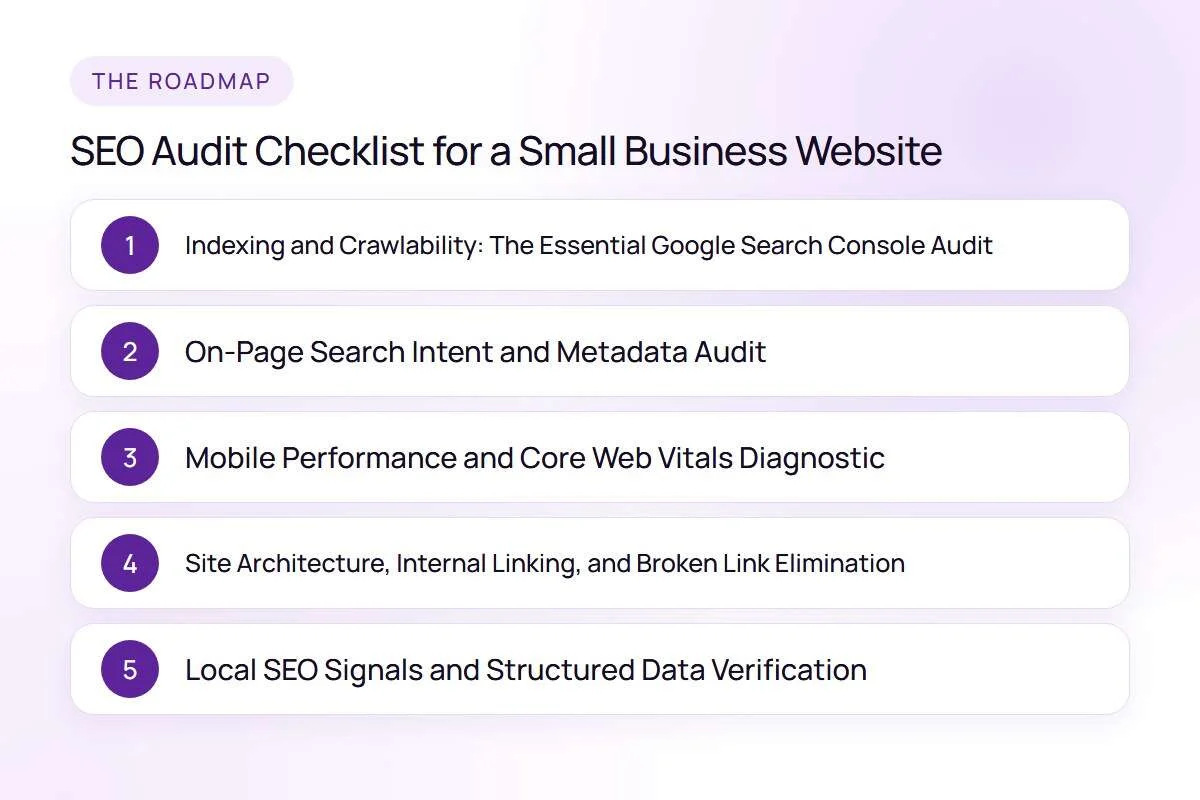
2. On-Page Search Intent and Metadata Audit
Once crawlability is confirmed, evaluate whether your individual service pages are optimized around the actual questions and phrases commercial buyers type into search engines. Many business websites commit the error of stuffing arbitrary keywords into paragraphs while neglecting clear heading hierarchy and user intent.
Conduct this systematic on-page review across every core service and product page:
| Page Element | Recommended Standard | What to Check & Common Pitfalls |
|---|---|---|
| URL Slug | Short, lowercase, hyphenated | Avoid messy dates or parameters (/service-123). Use clean descriptive slugs like /custom-website-design/. |
| SEO Title Tag | 50 to 60 characters | Include primary commercial keyword + unique business value + brand. Avoid generic titles like "Home" or "Services". |
| Meta Description | 140 to 160 characters | Write an honest, compelling preview that encourages clicks. Include a direct solution statement and soft call to action. |
| Heading Structure | Exactly one H1 per page | Ensure your H1 directly matches the core topic. Use H2s for major sub-questions and H3s only for detailed sub-points. |
| Search Intent Match | High commercial relevance | Does the page answer the buyer's evaluation criteria, or is it merely generic filler? Commercial pages must focus on solutions. |
When structuring on-page content, weave natural internal links between related offerings. For example, your search optimization guides should link contextually to your dedicated SEO for sales growth services and your technical website speed optimization frameworks.
3. Mobile Performance and Core Web Vitals Diagnostic
Google operates on a strict mobile-first indexing model, meaning its ranking algorithms evaluate the mobile version of your website to determine where you rank across both desktop and smartphones. A website that renders beautifully on a 27-inch office monitor but lags or shifts on a mobile 4G connection will struggle to compete on Google.
Test your key pages using Google's free PageSpeed Insights tool, paying close attention to these three Core Web Vitals thresholds:
- Largest Contentful Paint (LCP): Measures how quickly the primary content element (such as hero image or main heading) renders on screen. Target: under 2.5 seconds on mobile. The most common culprits behind poor LCP are uncompressed multi-megabyte hero images and slow server hosting response times.
- Interaction to Next Paint (INP): Measures how promptly the page responds when a user taps a button, menu, or form input. Target: under 200 milliseconds. Heavy, unoptimized third-party tracking scripts and bloated animation libraries are frequent causes of sluggish INP.
- Cumulative Layout Shift (CLS): Measures whether layout elements jump unexpectedly while loading, causing accidental misclicks. Target: under 0.1. Ensure every image and video container includes explicit width and height CSS properties so the browser reserves layout space before media loads.
4. Site Architecture, Internal Linking, and Broken Link Elimination
Search engines rely on internal links to understand topical relationships, distribute link equity, and assess the relative importance of your pages. If a crucial service page is buried deep in your navigation or has zero incoming internal links (an "orphan page"), search engines will assign it low importance.
Review your site architecture against these rules:
- Three-Click Maximum Depth: Ensure a visitor or crawler starting at your homepage can reach any commercial service page within a maximum of three clicks.
- Contextual Anchor Text: Link between related topics using descriptive, natural anchor text rather than generic phrases like "click here" or "learn more".
- Eliminate 404 Broken Links and Redirect Chains: Crawl your site to identify internal links pointing to dead 404 pages or daisy-chained 301 redirects. Point all internal links directly to the final, destination URL.
- Canonical Tag Consistency: Check the
<link rel="canonical" href="..." />tag in your page source code. Ensure every published page declares a self-referencing canonical URL matching its exact live protocol and trailing slash structure.
5. Local SEO Signals and Structured Data Verification
For small and medium enterprises serving specific cities or regional markets, local search visibility produces the highest-converting customer enquiries. Google connects your website signals with your Google Business Profile (GBP) to rank your business in the competitive Local 3-Pack.
Audit your local authority and structured markup:
- Name, Address, and Phone (NAP) Consistency: Ensure your registered company name, physical address, and phone number on your website footer, contact template, and schema markup match your Google Business Profile down to the exact punctuation. Inconsistent contact details confuse search engines and dilute local ranking confidence.
- Structured Data (JSON-LD) Validation: Test your key URLs using the official Google Rich Results Test tool. Verify that your website implements clean, error-free Organization, Service, and FAQPage schema markup without duplicate or conflicting blocks.
FAQs
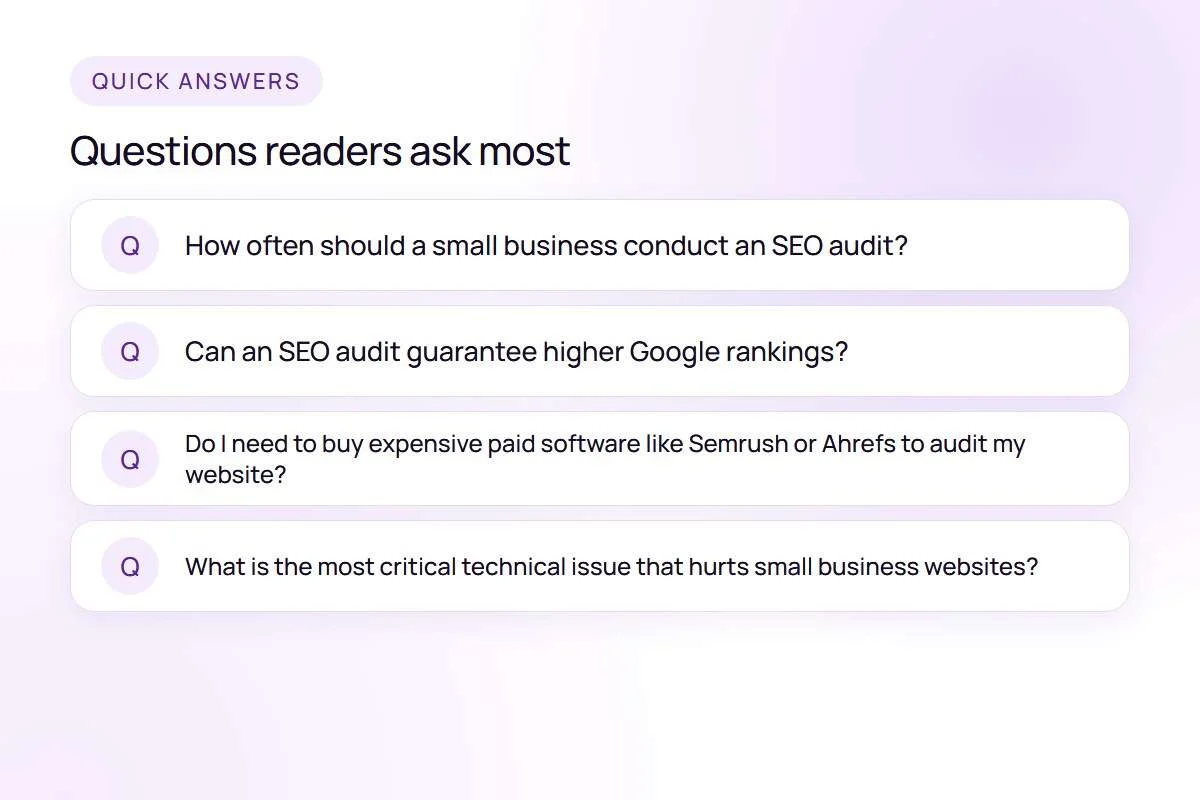
How often should a small business conduct an SEO audit?
A thorough, comprehensive SEO audit should be conducted every six months. In addition, review Google Search Console weekly to catch sudden indexing errors, broken redirects, or performance drops immediately after deploying website design updates or publishing new content batches.
Can an SEO audit guarantee higher Google rankings?
No ethical SEO agency or practitioner can guarantee specific Google rankings because search algorithms evaluate hundreds of dynamic factors. However, an SEO audit eliminates technical crawl barriers, aligns page content with commercial buyer intent, and provides the necessary foundation for organic search growth.
Do I need to buy expensive paid software like Semrush or Ahrefs to audit my website?
While paid enterprise tools offer convenience and deep competitor backlink analysis, small business owners can perform an extremely thorough technical and on-page audit using completely free first-party tools: Google Search Console, Google PageSpeed Insights, Google Rich Results Test, and free desktop crawlers like Screaming Frog (free for up to 500 URLs).
What is the most critical technical issue that hurts small business websites?
The most damaging issue is accidental index blocking—such as an active noindex tag or a blocked robots.txt file left behind by a developer after staging migration. The second most frequent issue is thin, duplicated service page copy that fails to satisfy user search intent.
Next Steps for Your Website Growth
An SEO audit is not a one-time administrative checklist; it is an ongoing strategic roadmap to ensure your digital storefront attracts qualified, commercial prospects. By systematically resolving technical crawl errors, accelerating mobile page speed, refining on-page relevance, and implementing clean structured data, you build a durable organic asset that generates leads without continuous reliance on paid advertising.
If your small business website is struggling to attract organic traffic or you require an expert team to execute technical remediations, explore our comprehensive SEO for sales growth programmes or contact IPrix Media for a complimentary technical audit today.