Why Website Visitors Do Not Submit Enquiry Forms
Diagnose why website visitors abandon enquiry forms: form friction, lack of pricing context, missing trust badges, and poor mobile responsiveness.
By IPrix Media Team, web development and digital marketing company in Udaipur
Few things are more frustrating for a business owner than watching Google Analytics report thousands of monthly website visitors while the sales enquiry inbox remains completely empty.
You invest capital into paid search, SEO, and social campaigns. Potential clients click your links, browse your service pages, reach the contact form—and then abruptly leave.
Why do interested buyers abandon enquiry forms at the final hurdle?
Here is the direct operational answer: Website visitors do not submit enquiry forms because of five compounding friction barriers: excessive form fields demanding premature personal data, zero transparent pricing or timeline context, missing third-party trust proof beside the submit button, confusing technical error validation, and mobile usability bugs that make typing cumbersome on smartphones.
This diagnostic guide breaks down the hidden friction points driving visitors away and provides high-impact conversion rate optimization (CRO) fixes to recover lost leads.
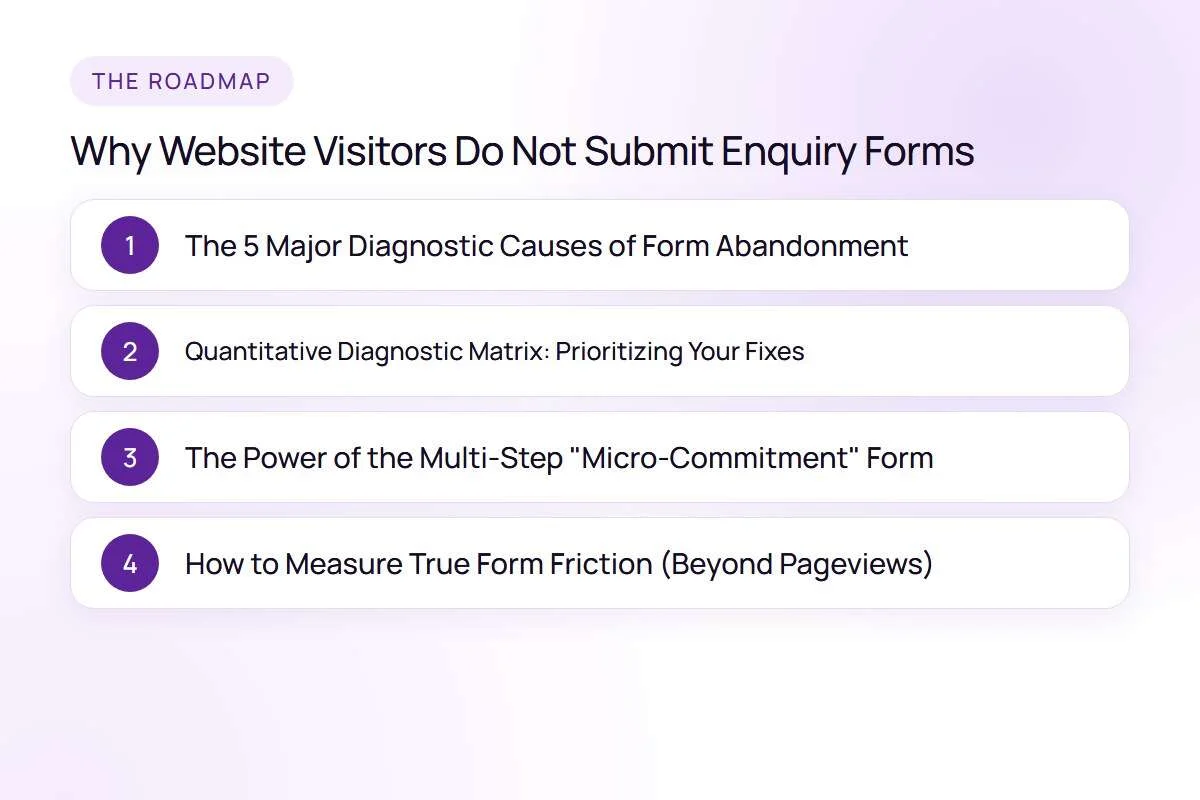
1. The 5 Major Diagnostic Causes of Form Abandonment
When diagnosing why visitors fail to convert, evaluate your contact pages against these five primary friction categories:
1. Excessive Form Field Fatigue (Demanding Too Much, Too Soon)
Every additional form field reduces conversion probability by an average of 5% to 10%. If your contact form asks for full name, business email, personal mobile number, company name, office physical address, annual revenue, budget dropdown, and a detailed 500-word project description, first-time visitors feel overwhelmed.
- The Psychological Barrier: High-intent buyers are often browsing on mobile devices during a quick break. Demanding extensive typing creates mental exhaustion.
- The Corrective Fix: Strip your initial contact form down to three essential fields: Name, Email/WhatsApp Number, and a simple requirement dropdown. Gather detailed project specifications during the discovery call, not on the public landing page.
2. Complete Absence of Pricing or Engagement Parameters
When a service page gives zero indication of whether a project costs ₹25,000 or ₹25,00,000, buyers hesitate to submit their details. Prospects fear that submitting their phone number will trigger aggressive, high-pressure sales calls for a service that may be wildly outside their budget.
- The Psychological Barrier: Fear of wasting time and fear of unsolicited aggressive sales pressure.
- The Corrective Fix: Provide transparent pricing ranges or "starting from" benchmarks directly above the form (e.g., "Custom web development projects typically start from ₹75,000"). Transparent parameters filter out non-budget buyers while reassuring qualified prospects.
3. Zero Proximity Trust Proof Beside the Form
Most websites place client logos and testimonials at the top of the homepage, leaving the actual enquiry form stranded on an empty white contact page with nothing but text inputs and a generic "Submit" button.
- The Psychological Barrier: The exact moment a user is about to share confidential contact details is when buyer anxiety peaks: "Will this company spam me? Are they legitimate? Have they handled companies like mine?"
- The Corrective Fix: Surround your form with proximity trust anchors: a 1-sentence client quote with a headshot, verified Google review rating badges (e.g., "4.9/5 stars based on 85+ verified reviews"), and an explicit privacy assurance ("We respect your privacy; zero spam, guaranteed").
4. Flawed Mobile Form Architecture and Virtual Keyboard Usability
Over 75% of Indian web traffic originates from mobile smartphones. Yet many business websites deploy forms designed purely on desktop wide screens.
- Common Mobile Bugs: Form fields with incorrect HTML input types (e.g., displaying an alphabetical keyboard instead of a numeric keypad when typing a phone number), tiny tap targets that cause misclicks, and aggressive auto-zoom that breaks the screen layout when a field is selected.
- The Corrective Fix: Set
type="tel"for phone numbers andtype="email"for email fields. Ensure tap targets have at least 48px padding and form containers never horizontally scroll.
5. Technical Validation Errors and Broken Form Scripts
Surprisingly often, form abandonment is caused by silent technical failures. A JavaScript caching conflict or outdated SMTP mail plugin can cause the form to spin endlessly after a user clicks submit, without displaying a confirmation message or dispatching the lead notification to your sales inbox.
- The Corrective Fix: Test your forms weekly across multiple devices and browsers (Chrome, Safari, Firefox). Verify that submission generates an immediate, reassuring "Thank You" message and sends an instant auto-responder email.
To audit and upgrade your lead capture architecture, explore our specialized landing page design and conversion optimization frameworks.
2. Quantitative Diagnostic Matrix: Prioritizing Your Fixes
Use this prioritization matrix to sequence your CRO improvements based on commercial impact and implementation effort:
| Diagnostic Failure Point | Observed Behavioral Symptom in Analytics | Impact on Leads | Technical Effort | Recommended Action |
|---|---|---|---|---|
| Too Many Required Fields | High form abandonment rate (>80% start, <15% complete) | Very High | Low (30 minutes) | Reduce to 3 essential fields; test multi-step format. |
| Missing Proximity Proof | High page exit rate immediately upon reaching contact URL | High | Low (1 hour) | Add verified client badge, privacy note, and rating counter beside form. |
| Aggressive Generic CTA Button | Users fill inputs but abandon before clicking "Submit" | Moderate | Low (15 minutes) | Change button copy from "Submit" to value-driven: "Get Your Free Proposal". |
| Mobile Keyboard Friction | High mobile drop-off rate compared to desktop completion | High | Moderate (2 hours) | Fix HTML5 input attributes and form container auto-scaling. |
| Silent Form Submission Error | Zero form submissions despite high tracked button clicks | Critical | Moderate (1 day) | Audit SMTP mail gateway, REST API endpoints, and database logs. |
For organizations operating complex customer portals or multi-step booking workflows, explore our custom web application development capabilities.
3. The Power of the Multi-Step "Micro-Commitment" Form
For high-ticket B2B services where detailed qualification data is genuinely required, replacing a long single-page form with a multi-step interactive quiz form dramatically increases conversion rates.
Psychological research demonstrates that users are far more willing to complete a process once they have made a low-stakes initial commitment:
- Step 1 (Zero-Friction Choice): Ask an easy multiple-choice question: "What is your primary growth goal this quarter?" (e.g., Redesign Website / Increase Google Ads ROI / Launch New Brand).
- Step 2 (Scope Parameter): Ask for project timeline: "When are you looking to begin?" (e.g., Immediately / Within 30 Days / Exploring Options).
- Step 3 (Contact Delivery): Now that the prospect has invested 15 seconds tailoring their solution, present the contact input: "Where should we send your customized audit and proposal?"
Multi-step micro-commitment funnels frequently achieve 40% to 70% higher completion rates than standard single-page forms because they eliminate visual field overload.
4. How to Measure True Form Friction (Beyond Pageviews)
To diagnose form performance scientifically, configure event-level tracking in Google Analytics 4 (GA4) or deployment tracking software like Microsoft Clarity:
- Form View (
form_view): The visitor scrolls down and the form appears in the viewport. - Form Interaction (
form_start): The visitor clicks into the first input field. - Field Abandonment: Identify which specific input field causes the user to stop typing and abandon the page (often the telephone or budget dropdown).
- Form Completion (
generate_lead): The visitor successfully triggers a validated submission.
Analyzing the drop-off delta between form_start and generate_lead reveals the exact source of user hesitation.
FAQs
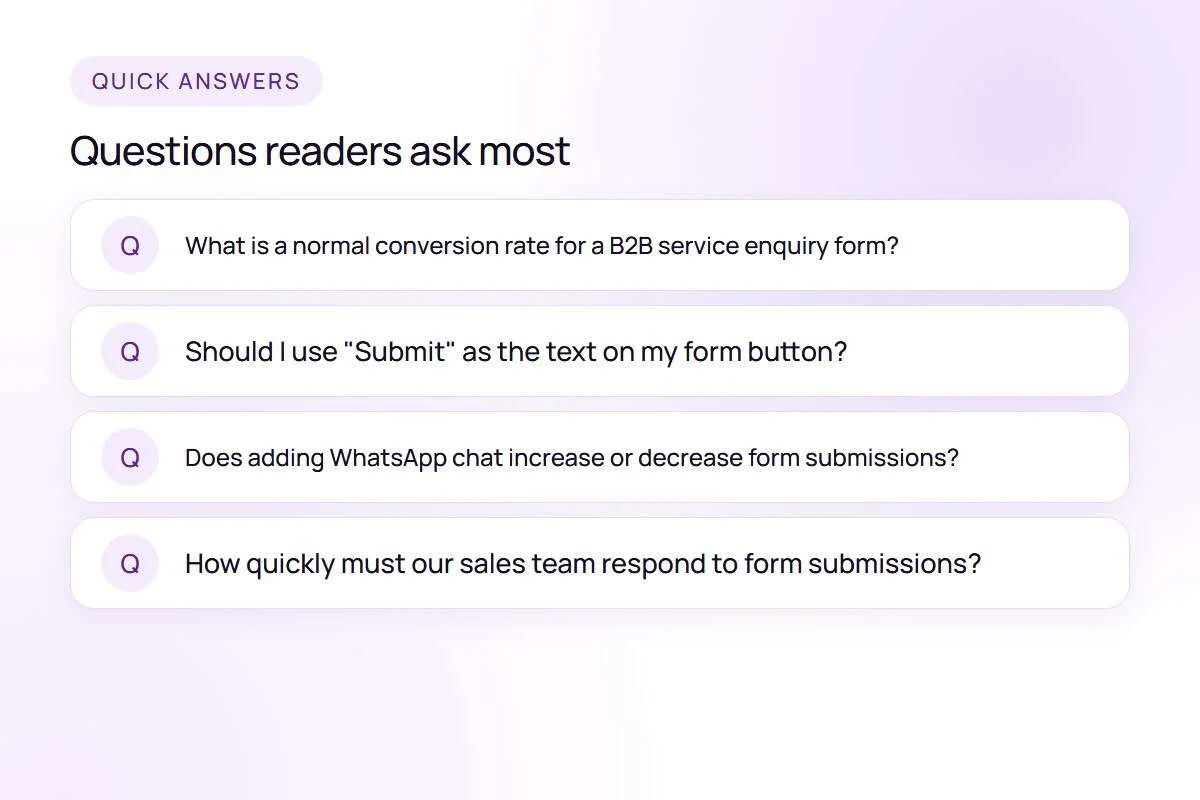
What is a normal conversion rate for a B2B service enquiry form?
Across B2B service websites, a typical enquiry conversion rate ranges between 1.5% and 3.5% of total landing page visitors. Optimized landing pages with streamlined forms, social proof, and high-intent search traffic often achieve conversion rates between 5.0% and 9.0%.
Should I use "Submit" as the text on my form button?
No. The word "Submit" carries negative psychological connotations of surrendering control and feels administrative. Replace generic button labels with active, benefit-driven phrases such as "Request a Call Back", "Claim Your Free Proposal", or "Schedule Technical Consultation".
Does adding WhatsApp chat increase or decrease form submissions?
Adding a direct WhatsApp chat button often reduces form submissions, but it significantly increases total qualified inbound conversations. Many Indian business buyers prefer an immediate WhatsApp exchange over filling out an email form. Measure total inquiries across both channels combined.
How quickly must our sales team respond to form submissions?
Research shows that responding to an inbound web enquiry within 15 minutes increases lead qualification rates by nearly 400% compared to responding after 2 hours. Implement automated SMS or WhatsApp notifications to alert your sales reps the second a form is submitted.
Next Steps to Maximize Your Website Enquiries
When website visitors abandon your enquiry forms, the issue is rarely a lack of interest in your services; it is friction in your user experience. By trimming excessive fields, reinforcing trust at the point of action, streamlining mobile inputs, and providing transparent project context, you turn existing website traffic into a consistent stream of sales conversations.
If your business needs an expert conversion rate audit, high-performance landing page rebuild, or lead funnel optimization, explore our landing page design services or contact IPrix Media today for a comprehensive CRO consultation.